
Scan Your Fridge, Get Recipes: How AI Turns Leftovers Into Macro-Perfect Meals
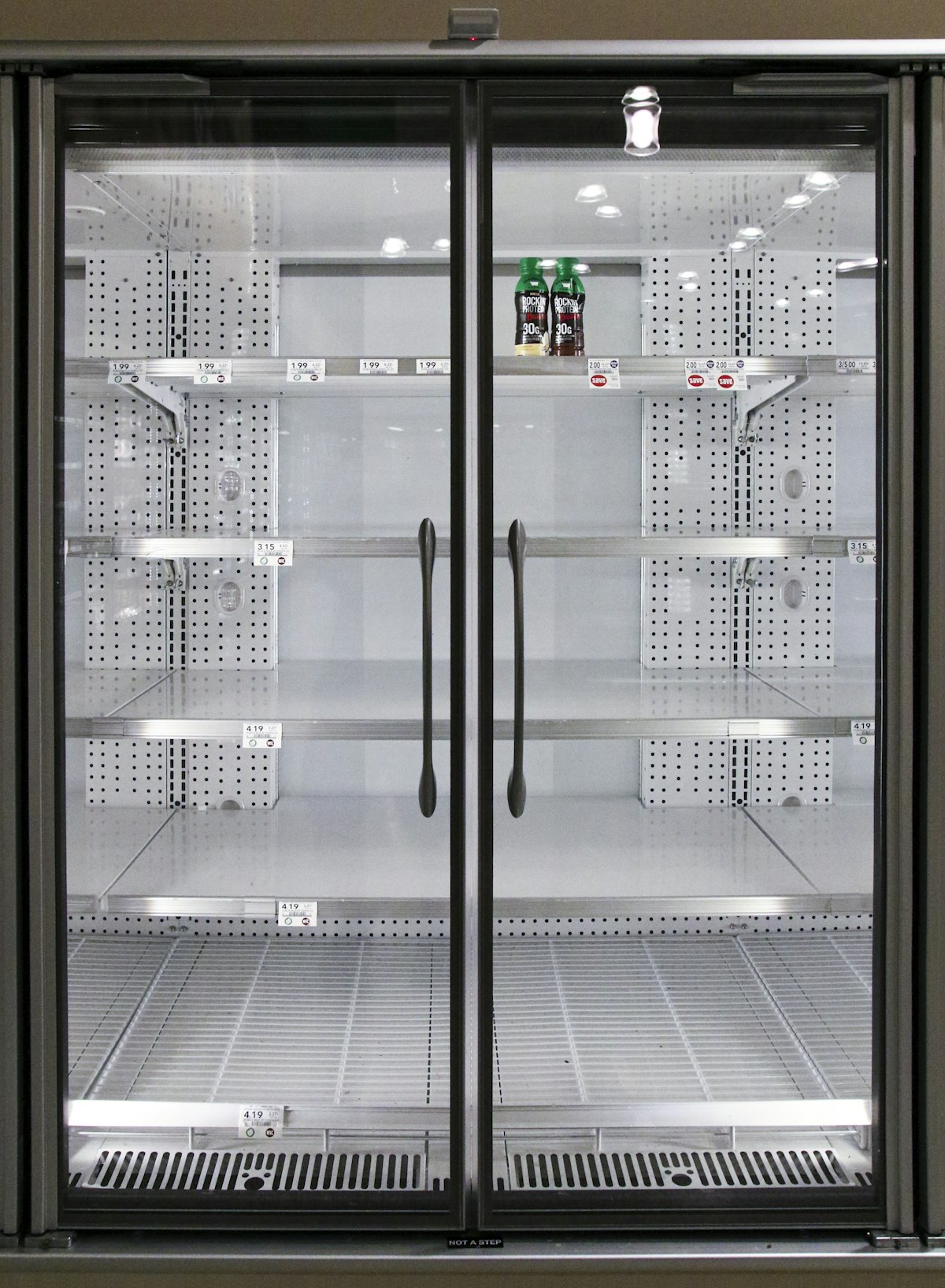
It's 6:30 PM. You open the fridge and stare. There's half a bell pepper, some chicken from two days ago, a bag of spinach you keep meaning to use, and eggs. You could order delivery—again—or you could let AI figure it out in seconds.
That's the idea behind Fridge Scan, one of the most-requested features in Nutrilogix. Point your camera at the fridge, and our AI identifies every ingredient, confirms the list with you, then generates recipes that fit your remaining macro budget for the day. No food waste. No guesswork. No sad, random stir-fry.
The Problem With "What's for Dinner?"
Decision fatigue around meals is real. The average person spends over 40 minutes per day deciding what to eat, according to research from Cornell. When you layer in nutrition goals—hitting a protein target, staying under a calorie budget—the mental load compounds. Most people default to takeout or repetitive meals, both of which hurt their goals and their wallets.
Meanwhile, the USDA estimates that 31% of the food supply goes to waste at the consumer level. Those forgotten vegetables in your crisper drawer? They're part of the statistic. The irony: you have perfectly good food at home but no idea what to make with it.
How Fridge Scan Works: A Two-Stage AI Pipeline
Fridge Scan isn't a gimmick. It's a serious two-stage AI pipeline designed for accuracy and personalization. Here's what happens behind the scenes:
Stage 1: Ingredient Detection
You take photos of each shelf, door, and drawer in your fridge. Most fridges aren't perfectly organized, so the AI processes multiple images to build a complete picture. It uses advanced vision AI to identify every visible item—from obvious staples like milk and eggs to harder-to-spot items like a jar of tahini or a bag of frozen edamame tucked in the back.
The system also cross-references your existing digital pantry, so it doesn't duplicate items you've already logged. If it's unsure about something, it flags it as uncertain and lets you make the call.
Stage 2: Macro-Aware Recipe Generation
This is where it gets personal. Once you confirm your ingredient list, the AI doesn't just search a generic recipe database. It calculates your remaining macro budget—how many calories, grams of protein, carbs, and fat you have left for the day based on what you've already logged—and generates recipes that fit within those numbers.
If you've already eaten 80g of protein and your target is 150g, it will prioritize protein-dense recipes. If you're low on carbs, expect pasta and grain-based suggestions. The recipes are built around your goals, not a one-size-fits-all cookbook.
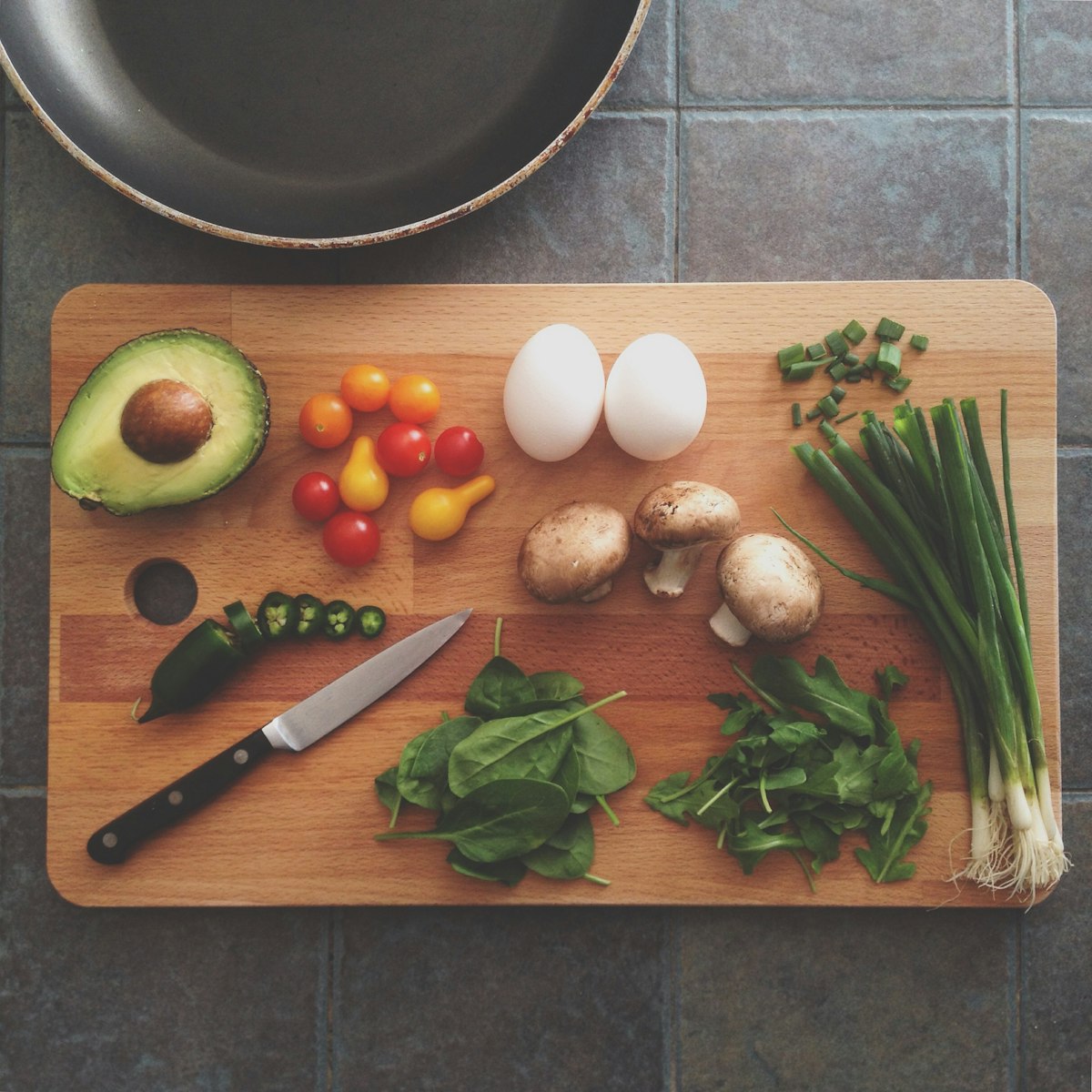
Every recipe is generated from the ingredients the AI actually detected in your fridge.
Multi-Photo Capture: Shelf by Shelf
A fridge is three-dimensional, cluttered, and poorly lit. A single photo can't capture everything. That's why Fridge Scan uses a guided multi-photo flow that walks you through capturing each section:
- Top Shelf — Where the dairy and tall items live
- Middle Shelf — Leftovers, prepped containers, proteins
- Bottom Shelf — Meats, heavier items
- Door — Condiments, sauces, drinks
- Drawers — Fruits, vegetables, deli items
You don't have to capture all five—snap as many or as few as you want. But the more you capture, the more complete and creative the recipe suggestions become.
Confirm, Edit, and Add
AI isn't perfect, and we don't pretend it is. After detection, you see a full list of identified ingredients with the option to:
- Deselect items you don't want to cook with (that jar of pickles can sit this one out)
- Add items the AI missed—maybe spices in your pantry or something behind the milk
- Correct uncertain items the AI flagged
This human-in-the-loop step takes about 10 seconds and dramatically improves recipe quality. It also ensures you're fully in control of what gets cooked.
Auto-Sync to Your Digital Pantry
Every time you confirm ingredients from a fridge scan, those items are automatically synced to your digital pantry. New items are added; existing items are refreshed with updated timestamps. This means your pantry inventory stays current without manual upkeep.
The pantry feeds into other Nutrilogix features too—like the AI Shopping List, which knows what you already have before suggesting what to buy. It's a closed loop: scan your fridge, cook from it, and your next shopping list accounts for what's left.
Who Is This For?
Fridge Scan solves different problems for different people:
- Busy professionals who don't have time to plan meals but want to eat well
- People tracking macros who need recipes that fit their remaining daily budget
- Anyone trying to reduce food waste and actually use what they buy
- Home cooks in a rut who want creative ideas from the same ingredients they always have
The Bottom Line
Fridge Scan turns a universal daily frustration—"what should I eat?"—into a 30-second workflow. Snap, confirm, cook. Every recipe fits your macros, uses what you already have, and keeps your pantry in sync. It's the kind of feature that sounds simple but requires serious AI engineering to get right.
Stop staring at the fridge. Start scanning it.
Available now in the Nutrilogix beta. Join the iOS beta on TestFlight